Last Updated: November 3, 2026
Quick Summary
A dedicated IT onboarding team gets every new hire set up, secure, and working from day one, so you never lose days to passwords and printers. It protects your time, closes security gaps, and gives each starter a smooth first week that keeps them around longer.
A dedicated IT onboarding team is a group of IT staff whose only job is to get every new hire set up, secure, and working from day one. Many small business owners try to handle this alone, and it often gets messy. It usually starts fine. Then the second or third hire arrives in the same month, and things slip.
The real cost of a messy first week is not the laptop. It is the owner spending two days on passwords and printers instead of customers. New staff sit idle, wait for logins, and start to wonder if they made the right choice. A dedicated team removes that weight from your plate. If you are still weighing whether to hand onboarding off, you can see what managed IT services actually include before you decide.
Think about what actually happens when a new person starts without a plan. They arrive at 9 a.m. Nobody has their email ready. The shared drive password is on a sticky note somewhere. Their laptop is last year's spare with a cracked screen.
Here is what that first week quietly costs you:
That last point matters more than most owners realize. Employee experience in week one shapes employee engagement and employee retention for months. A smooth start tells people you thought about them before they walked in.
The employee IT onboarding process is a repeatable set of steps that takes a new hire from signed offer to fully working, fully secure accounts. The goal is simple: no surprises on day one, and no loose ends on day thirty.
What makes this process different from general onboarding is the IT work underneath it. A dedicated IT onboarding team coordinates four groups at once: you and the hiring manager, your HR or payroll contact, your security settings, and the new hire. Each group needs something different on a different day. The team's job is to line those needs up so nobody is waiting on anybody else.

A technician who adapts each step to how a new hire prefers to communicate can make effective employee onboarding feel more personal and help the employee build confidence with the tools they need.
Here is how a dedicated IT onboarding team can run it, in plain steps:
Each step has an owner and a date. That is the difference between a process and a scramble.
Watch out: skipping the day-thirty review is the most common slip. Access that was fine for a trial period quietly becomes permanent, and nobody notices until it matters.
An IT onboarding checklist is a short list you work through for every starter so nothing gets missed. It does not need to be fancy. A shared document with boxes to tick is enough. The point is consistency, not paperwork.
Use this as your starting point:
Print it, share it, and use it every time. A checklist turns a stressful week into a routine. It also gives you a paper trail if you ever need to show who had access to what, and when.
A realistic IT onboarding timeline gives you enough room to prepare before day one and check in after. Most of the work should happen before the new hire walks in the door. Rushing it is how accounts get shared and steps get skipped.
Here is a simple timeline that works for most small teams:
The exact timing shifts with your hiring pace and how your systems are set up. What matters is that the steps happen in order and nobody is guessing. Build the timeline once, then reuse it for every hire.
Employee onboarding security means setting up every new account with strong protection from the first minute, not after something goes wrong. Most small business breaches start with a weak or shared login. A new hire is the easiest place for that habit to form, and the easiest place to stop it.
Three habits cover most of the risk:
Small businesses are frequent targets because attackers assume the basics are missing. If you want a plain-language starting point, our guide to small business IT security walks through the practical steps.
A dedicated IT onboarding team handles the setup, access, devices, and security for every new hire, every day, so your own staff never have to. The work is steady and mostly invisible when it is done well. That is the point. But it helps to know what is actually happening behind the scenes, because that is what you are paying for.
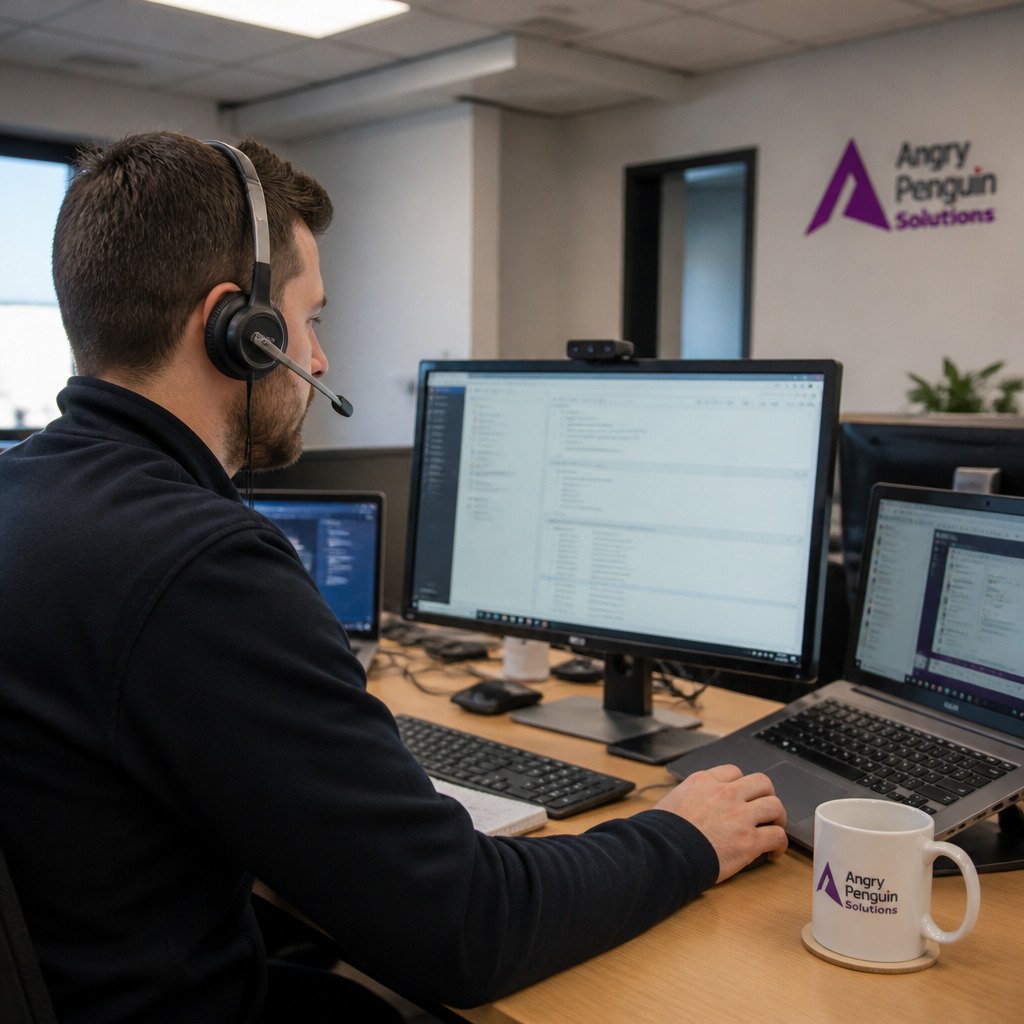
The team's day breaks into four kinds of work. First, provisioning: creating accounts, assigning role-based permissions, imaging devices, and loading software. Second, coordination: talking to your hiring managers about start dates, to HR about role changes, and to new hires about setup questions. Third, security upkeep: turning on multi-factor authentication, checking that least-privilege access is holding, and confirming policy acknowledgments are signed. Fourth, deprovisioning: removing access when someone changes roles or leaves, and keeping an audit trail of who had what.
A typical day looks like this:
What separates a dedicated team from a shared help desk is focus. A shared desk juggles onboarding with every other ticket that comes in. A dedicated team owns the onboarding queue from start to finish.
The alternative is doing it yourself between customer calls, or handing it to whoever is free that morning. Both work until they don't. If you are weighing the two models, a clear look at in-house IT versus managed IT services can help you decide which fits your business.
Watch out: a team without a written record of what it did is hard to audit and hard to improve. Ask for a simple log per hire, not a verbal summary.
You do not need a big IT department to give new hires a clean first day. You need a repeatable process and someone who owns it. That is exactly what a dedicated IT onboarding team gives you, without adding headcount.
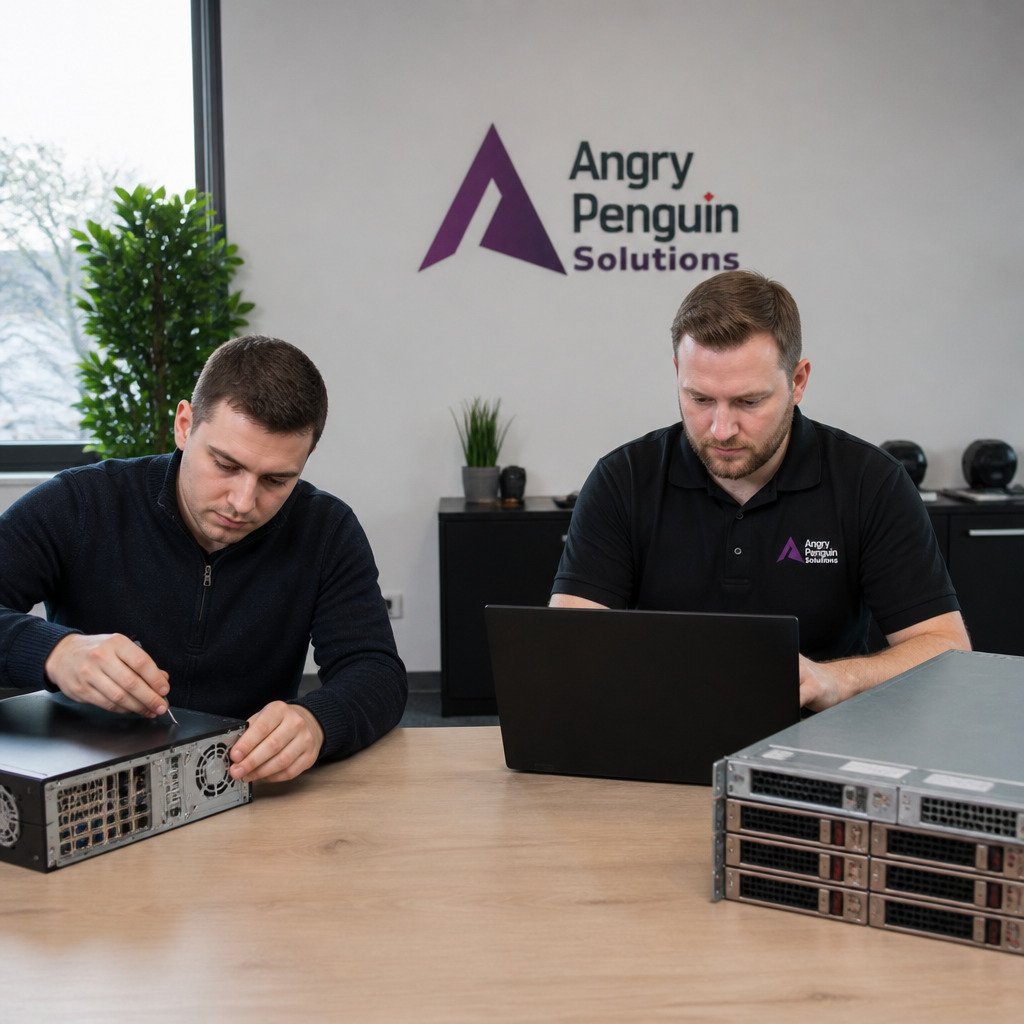
At Angry Penguin Solutions, we bring over 25 combined years of IT experience and a dedicated onboarding technician. Our team answers 98% of calls in under 60 seconds and backs it with a five-minute live response guarantee. We also monitor your systems 24/7.
If you want to see what professional IT support covers and how to start the conversation, take a look at our IT services for small business. We will walk your setup, your hiring plans, and your security gaps, then show you a clear path forward.
A dedicated IT onboarding team handles every tech task that comes with a new hire. That means setting up laptops and phones, creating accounts, giving the right access, and walking the new person through your systems. They also lock down security from day one and stay available for questions in those first weeks. Instead of whoever is free grabbing the ticket, the same people own the process. That consistency is the whole point.
Most security gaps start in the first week. A dedicated team sets up multi-factor authentication, installs updates, and gives each person only the access their job needs. They also explain phishing and password basics in plain language. When one team owns employee onboarding security, nothing gets skipped because someone was too busy. Fewer loose ends means fewer ways in for a hacker.
The IT onboarding timeline depends on how many systems you use and how much approval is needed. The key is to start before the person's first day. A dedicated team plans the setup in advance so your new hire walks in and can work right away.
Start with a written IT onboarding checklist you reuse for every hire. Keep a standard laptop image and a list of who approves access. Hand the whole process to one dedicated team so it does not land on your busiest manager. Then review it after each hire and fix what caused delays. Small steps like these cut setup time and stop the same problems from repeating.
Your next hire should not cost you a week of your own time. Get started with Angry Penguin Solutions and give every new employee a secure, working setup from day one.