Last Updated: November 2, 2026
Quick Summary
Managed IT services are an outside team that watches over your computers, network, and data for a fixed monthly fee, while in-house IT means hiring your own technician on salary. Managed services cover monitoring, updates, backup, and after-hours alerts, while in-house staff know your people well but leave gaps during sick days and vacations.
Running a small business means wearing a lot of hats. You handle the payroll, chase down customers, and somehow also keep the computers working. If you are like most owners in Calgary, IT is the hat that keeps slipping off.

Managed IT services vs in house IT is one of the biggest decisions you will make about your technology. Do you hire someone to work for you full time, or do you bring in an outside team to watch over your systems? Either way, the choice affects how safe your data is and how often your staff gets stuck waiting for a fix.
They fear a hacker will break in, and they have no idea whether anyone is watching the front door. That fear is reasonable. Ransomware and phishing attacks hit small offices every day, and a single bad morning can shut down the whole business.
This guide walks through both options in plain terms. You will see what each one includes, what it costs, and where each one tends to fall short. By the end, you should know which path fits your team, your budget, and your comfort level.
A managed IT service provider, often called an MSP, takes over the day-to-day care of your technology. You pay a regular monthly fee, and the provider keeps your systems running. Instead of calling someone only when something breaks, you have a team watching your network around the clock.
Most managed plans cover the basics. These usually include:
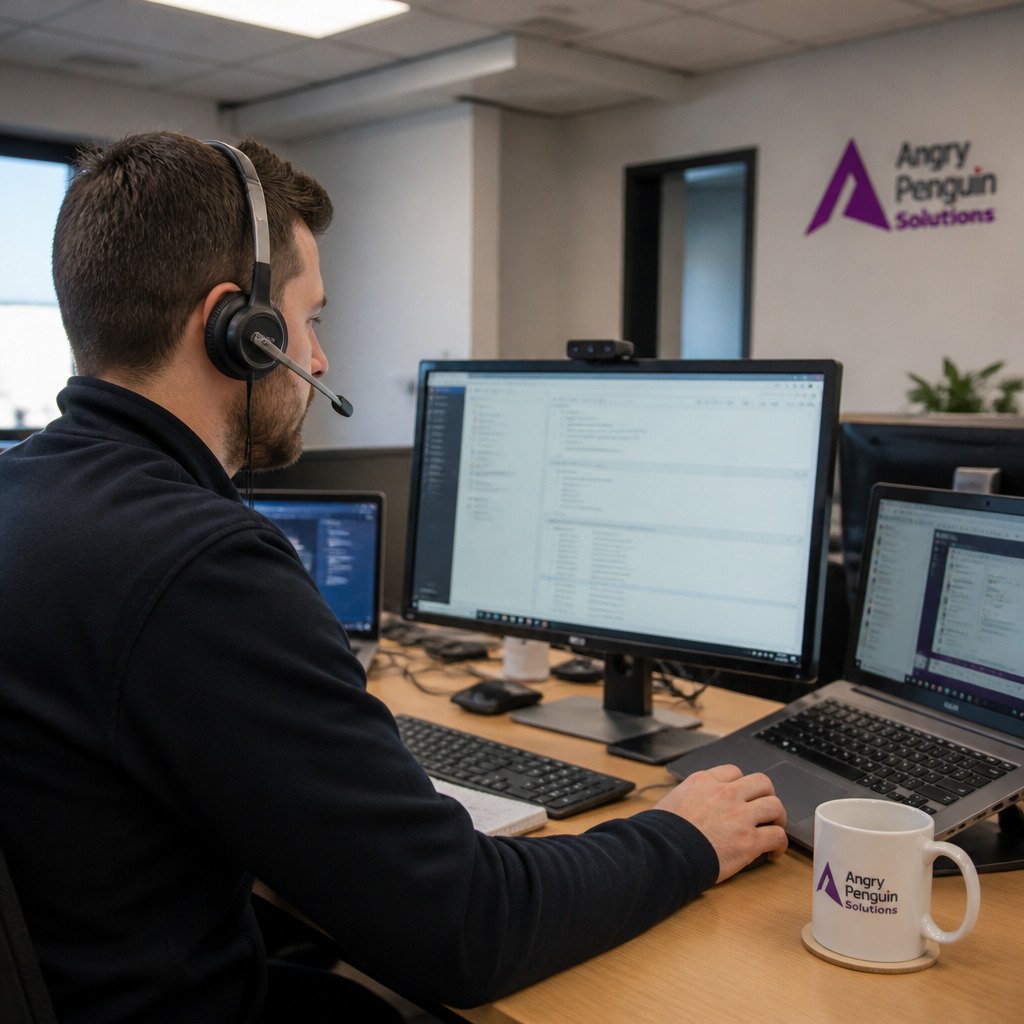
At Angry Penguin Solutions, our approach is built around prevention. Our monitoring runs 24/7, and we guarantee a five-minute live response when you call. Every new client also gets a dedicated onboarding technician.
An in-house IT setup means you hire a person, or a small group, who works only for your company. They sit in your office, know your staff by name, and can walk over to fix a printer in person. Many owners like that closeness, and it has real advantages.
An internal technician gives you direct control. You set the priorities, and that person answers to you. They learn your business quirks over time, which can make everyday support faster.
The trade-offs are real, though. You pay a salary, benefits, and training costs whether or not there is work that day. Vacations, sick days, and resignations leave gaps. One person rarely knows every security tool, cloud platform, and compliance rule on their own.
Here are the questions to ask yourself:
If the honest answers feel uncomfortable, that is useful information.
Managed IT services benefits go beyond simply having help on call. See what a managed IT provider offers and how to get support for your business. For many small businesses, the biggest gain is predictability. You pay a fixed monthly fee, so budgeting is easier. There are no surprise bills when a server fails on a Friday afternoon.
Here are the benefits owners mention most often:
Downtime is where the numbers hit hardest. A single day with the network down can mean lost sales, missed orders, and frustrated customers. Preventing even a few of those days can outweigh the monthly fee.
Cost is the question most owners ask first, and it deserves a straight answer. The honest truth is that no two setups price the same, because the number depends on how many people you support, how many devices they use, and which services you need. What you can do is compare the full picture instead of just the sticker price. That is where most owners get surprised.
With in-house IT, the salary is only the start. You also pay benefits, payroll taxes, training, software licences, and the cost of covering holidays, sick days, and resignations. Add the tools your technician needs to do the job well, and the yearly total climbs fast. With managed IT, you pay a regular monthly fee that covers the routine work, plus any project work you approve.
Here is a simple way to compare the two without guessing. Build a one-year list for each option, side by side:
Watch out: a low monthly fee that excludes backup, security tools, or after-hours support is not a fair comparison. Ask for the full scope in writing before you compare totals.
Do not accept a savings claim without seeing the line items. Ask any provider to walk you through what is included, what costs extra, and what happens when something breaks outside business hours. That conversation tells you more than any brochure.
Here is a simple way to compare the two options side by side, so you see the full picture and not just the sticker price.
Some businesses want a middle path. Co-managed IT services split the work between your internal staff and an outside provider. Learn how a co-managed setup keeps your team in charge. Your in-house person keeps control of daily tasks and knows your staff by name, and the outside team adds coverage, security, and specialized help. This model works well when you already have someone handling IT part-time, or when your internal team is stretched thin and needs backup.
The part most owners skip is the boundary map. Before you sign anything, write down who owns what. A clear split usually looks like this:
Watch out: vague ownership is where things fall through the cracks. If nobody owns the firewall change or the cloud bill, it does not get done.
Ask about the contract before you commit. Good questions include: How do we exit if it is not working? Who owns our data and accounts? What is excluded from the service level? How fast do you respond to a security alert versus a password reset? A provider that answers these plainly is showing you how they will behave after the first month. Co-managed support is not right for everyone. If you have no internal IT person at all, a fully managed plan is usually simpler. Putting those boundaries in writing also clarifies what a small business should expect from a provider, a distinction worth weighing against the choices in a managed IT services guide.
Now you have the big picture. Use this checklist for choosing the right IT support provider before you reach out. The next step is deciding what fits your business. Start by asking a few plain questions:
If your answers point toward more protection and less stress, a managed partner is worth a conversation. If you want an in-house expert and can afford the full cost, that path is valid too. Many businesses also land on a co-managed setup that blends both.
Whichever way you lean, do not decide in a hurry. Ask any provider for specifics. Here are specific questions to ask before hiring an IT provider so you can compare options with confidence. Ask how fast they respond, who will answer the phone, and what happens after the first month. Good answers come with names, timelines, and clear terms.
You do not have to figure this out alone. Our team at Angry Penguin Solutions works with small businesses across Calgary, Airdrie, Okotoks, and Cochrane, and we are happy to look at your setup with no pressure. Request an assessment today and we will show you what protection and support could look like for your business.
A managed IT company is an outside team that watches over your computers, network, email and data for a set monthly fee. Instead of hiring staff, you call them when something breaks and they often spot problems before you notice them. Many small businesses choose this route because it gives them experienced help without the cost of full-time employees. Angry Penguin Solutions offers managed IT support for Calgary businesses with 24/7 system monitoring. For current pricing, visit the Angry Penguin Solutions website or request an assessment.
It often can be, especially for businesses with fewer than 50 employees. A full-time IT hire brings salary, benefits, training and sick days, and one person cannot cover every skill you need. A managed plan spreads that expertise across a team for a predictable monthly fee. Your actual cost depends on how many users, devices and locations you have. Ask any provider for a written quote so you can compare the full picture side by side.
Yes. This is called co-managed IT. Your internal person handles daily tasks and knows your staff, while the outside team covers security, monitoring, backups and after-hours support. Many owners like this mix because it keeps control close to home while adding depth they could not afford alone. Be clear from the start about who handles what, so nothing falls through the cracks.
Consider hiring in-house IT when you need someone on site every day, or when your systems are unusual enough that daily hands-on work matters most. Businesses with many employees and steady, constant IT tasks often reach that point. If you mostly need security, monitoring and help when problems arise, a managed provider usually fits better. Review your IT needs each year as your team grows.