
.svg)


Last Updated: October 26, 2026
Quick Summary
Secure IT support means ongoing, managed protection of your computers, network, and data, delivered by a provider who watches for problems before they disrupt your business. A solid plan covers endpoint security, multi-factor authentication, patch management, tested backups, firewall protection, phishing training, and a response plan. Compare providers on response time, what security comes standard, and whether they prove backups actually restore.
Secure IT support is ongoing, managed protection of your computers, network, and data, delivered by a provider who watches for problems before they disrupt your business. For a small office, that means more than fixing a broken laptop. It means someone is guarding the front door every day.
You are not alone in worrying about being hacked while handling your own IT. Secure IT support follows a fairly short list of basics, and you can check any provider against it.
Here is what a solid plan should cover:
Miss any one of these and the whole setup gets weaker. Below is a checklist you can use to compare providers.
Use the things that matter to your office to assess providers. Ask each provider the same short list of questions and write down the answers. If a provider cannot answer in plain language, take note.
Here is the checklist we used. You can copy it and use it in your own meetings:
Consider response time and transparency. Ask providers to put their response time in writing and explain how they report on their work.
If you want to run this yourself, score each provider out of ten on the seven items above.
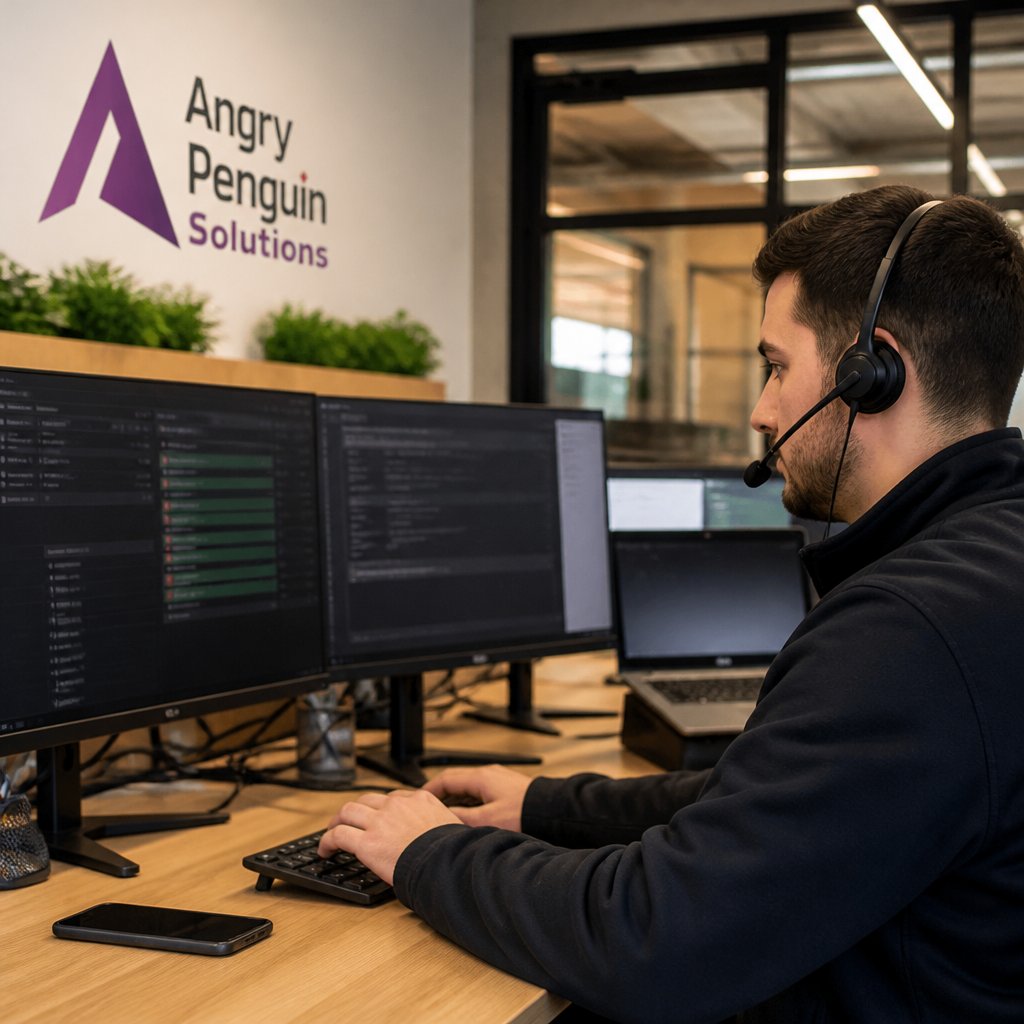
Angry Penguin Solutions answers 98% of calls in under 60 seconds and offers a five-minute live response guarantee.

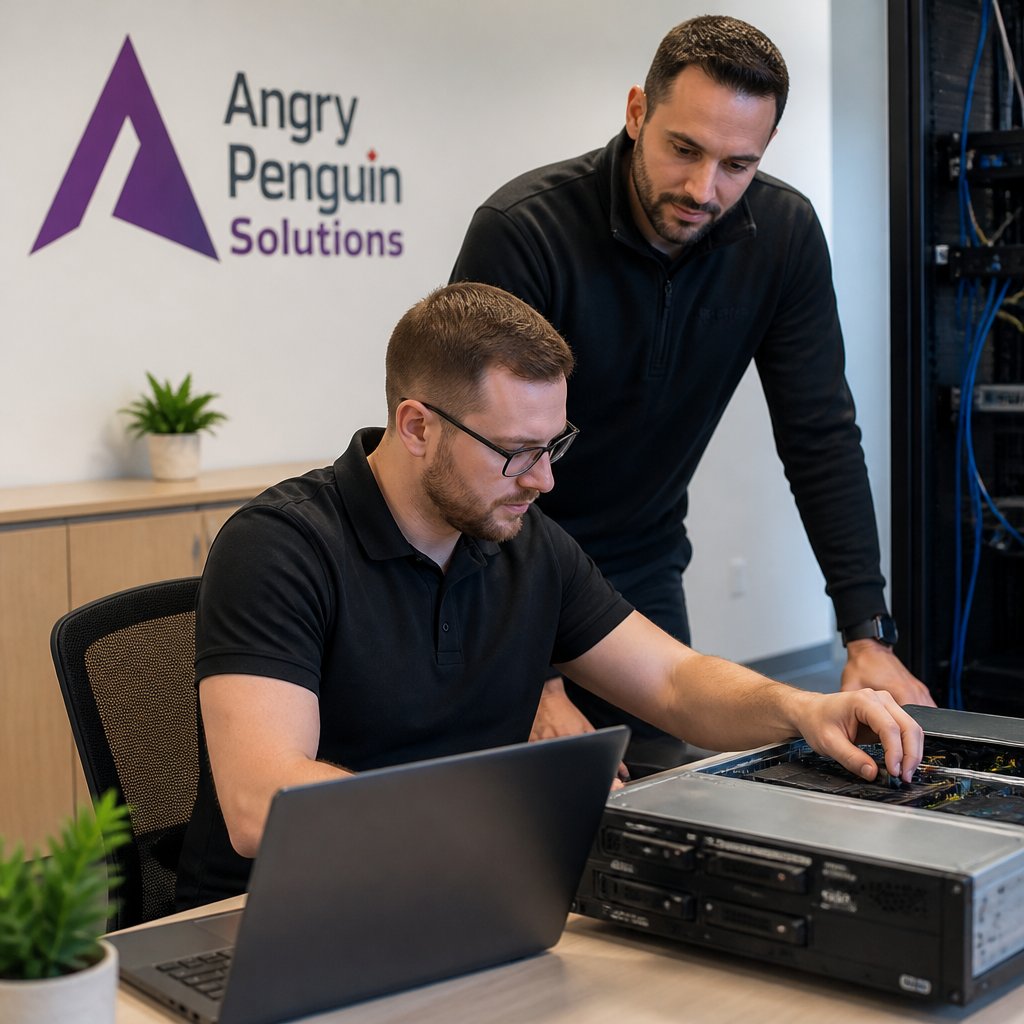
The business provides 24/7 system monitoring and proactively resolves 95% of issues before they are noticed. It also provides a dedicated onboarding technician. The team has over 25 combined years of IT experience.
For owners who want to learn about reactive and proactive IT support, consider the differences between the two approaches.
small businesses that want problems handled before they become emergencies.
Lumen IT bundles managed IT, cybersecurity, cloud services, network support, VoIP, and Microsoft 365 under one roof. If you would rather deal with one company for phones, email, and computers, that consolidation saves you juggling vendors.
The provider advertises fixed monthly pricing with no long-term contracts, based on its service page. For an owner who dislikes being locked in, that is a fair structure.
What we would ask before signing: which security tools are included in the base plan, and what gets added later. The service page does not spell out response times, so put that question on your list.
offices that want one provider for IT, cloud, and phones.
Alt-Tech markets managed IT services, proactive support, and cybersecurity together, aimed at local businesses. The pitch is that security is not an add-on you buy later. It sits inside the support plan.
That matters for an office with client files or payment records. Threat prevention, security monitoring, and access control should be part of the daily routine, not a separate project. Alt-Tech positions its services around keeping staff productive and operations running.
The gap in the public information is detail. The service page does not list specific security features or service levels, so ask for those in writing. A short checklist of what is monitored and how fast they respond will tell you more than any brochure.
businesses that want support and security from the same team.
Huntertech publishes a per-user monthly rate for all-inclusive managed IT, listed at CAD $130 per user per month in its own pricing article. That number is rare. Most providers hide pricing behind a call, which makes budgeting hard for a small team.
Per-user pricing scales cleanly. Five staff means five units, and you can see the monthly figure before you talk to anyone. It also makes it easy to compare quotes side by side.
The trade-off is that "all-inclusive" needs a definition. For a plain explanation of how these models work, read our breakdown of the cost of managed IT services before you compare numbers.
owners who want a visible monthly cost per person.
Situate Business Solutions focuses on managed IT for organizations, with an emphasis on resilience and efficiency. If your concern is what happens after a fire, flood, ransomware attack, or a key server dying, this is the conversation to have.
Resilience means business continuity: backups that restore, a plan for working around an outage, and a clear order of what comes back first. That planning is often skipped until something goes wrong. A provider that leads with it is worth a look.
Pricing is available by request rather than published. Ask for the continuity plan in writing, then test one restore with them watching. Our guide to business continuity for small businesses covers the practical steps you should expect to see.
firms that need a documented recovery plan.
Fully Managed offers managed IT and cybersecurity with a mix of remote support and onsite support.
Remote support keeps resolution time short for password resets, email issues, and software trouble. Onsite visits handle hardware, cabling, and setup. Having both under one agreement means you are not hunting for a second company when a printer needs replacing.
The public information does not confirm detailed service terms, so request the contract and read the response-time section closely. For hybrid teams, our page on remote work solutions explains how the two support types fit together.
offices with a mix of remote staff and physical equipment.
Security is not a product you buy once. It is an ongoing practice. Keep security tools updated, and consider staff training. A phishing response plan can set out who to call, what to unplug, and how quickly to report an incident.
But the mistakes that hurt small offices most are the quiet, physical ones. They are easy to fix and almost nobody talks about them. Walk through your office this week and check these:
Third, test your backups. A backup you have never restored is a guess. Ask your provider to prove recovery works, and put multi-factor authentication for business on every email and admin account this week. For current guidance on threats and reporting, see the Canadian Centre for Cyber Security guidance.
Ask providers how quickly they answer the phone and what their response commitment means.
Ask any provider to walk you through exactly what is included in its plan. Ask about monitoring, response commitments, and how to reach a real person when something goes wrong.
Ask direct questions and expect direct answers. Ask what happens during a security incident and how the provider explains its security practices. Ask whether the provider can describe its approach in plain language.
Managed IT support and cybersecurity are related but distinct topics. When comparing providers, ask which services are included in the plan and which are offered separately.
Act quickly. Report the incident to your IT provider and follow their guidance. Review what happened with your team and consider updating your phishing response plan.
Ask about response times and what they mean in practice. Ask who answers the phone at 2 AM and how quickly. Ask what services are included, how pricing is structured, what the contract terms are, and what happens during onboarding.
Your office does not need a huge IT department. It needs someone watching, answering, and fixing before small problems grow. That is what Angry Penguin Solutions does: 24/7 system monitoring, a five-minute live response guarantee, and a dedicated onboarding technician who learns your setup. Get started with Angry Penguin Solutions and stop worrying about what is running on your network.